








Case Studies Book a 30-minute discovery call
Dow product interface
Our work / Mobile App Development

Dow: an industrial automation app for real time monitoring of connected equipment

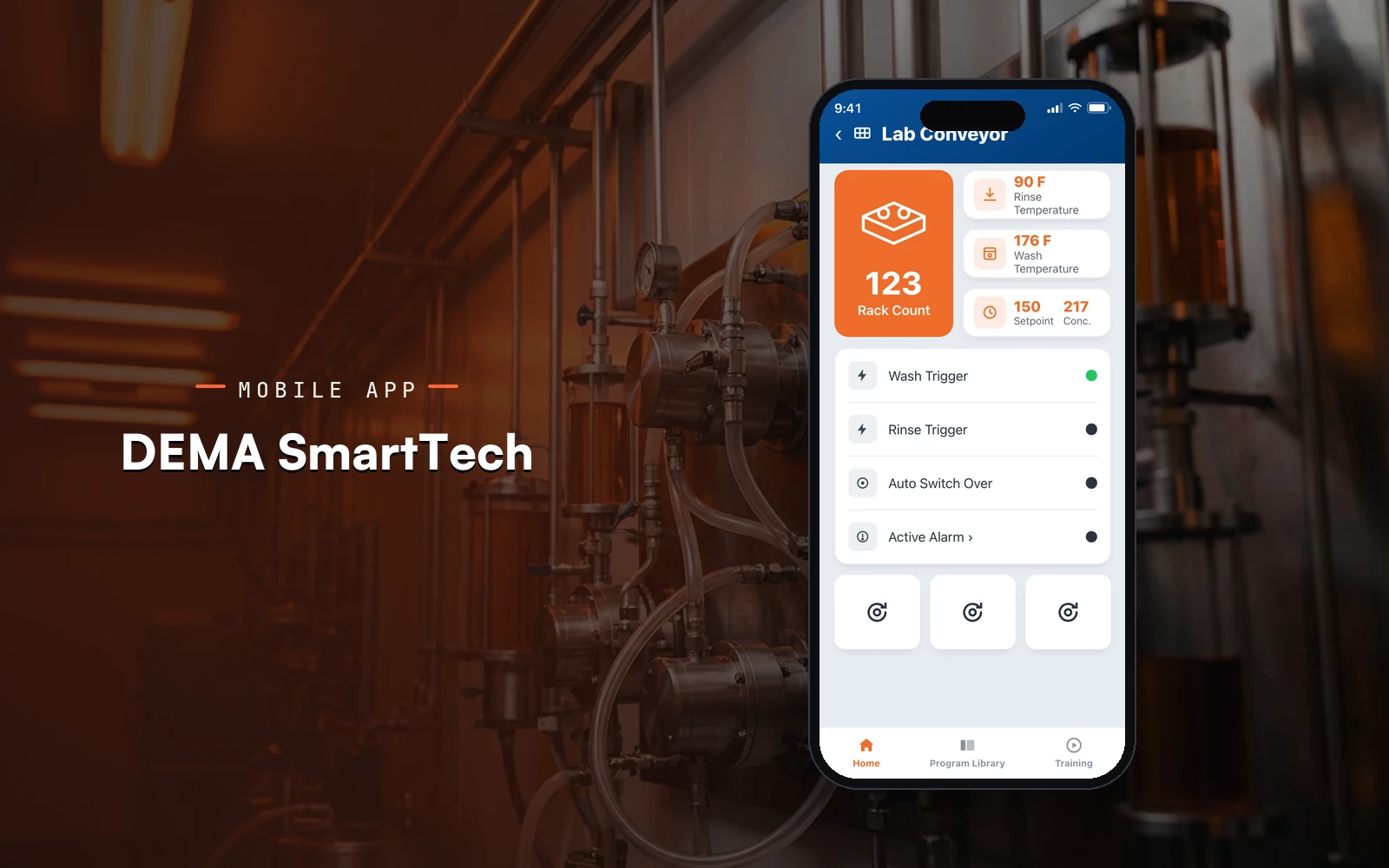
Resourcifi built Dow, a mobile control room for connected dispensers, pumps, and sensors across facilities, with live telemetry, configurable alarms, centralized device and user management, and role based secure access.

120K+ Connected devices managed
Stanford DOW Snak King Narda Proximity Learning Nextgen Living University of Guelph Lenze iAutomation Emory University IKEA
600+ projects 95% repeat clients 4.9 on Clutch
Industry
Industrial & IoT
Engagement
Long-term Partnership
Platform
iOS, Android
Services delivered
7 workstreams
Timeline
Long-term engagement with continuous releases.
The challenge

What Dow needed to solve.

Dow runs connected dispensers, pumps, and sensors across many facilities, and operators needed one place to see them all in real time. Critical conditions like a pressure spike or a temperature warning had to surface the moment they happened, and access to that data had to stay role based and secure across teams and sites.

Goals
  • Stream live telemetry from connected equipment across facilities
  • Surface critical alarms the moment a threshold is crossed
  • Centralize device, facility, and user management in one app
  • Enforce role based access and multi tenant data integrity
  • Keep operating modes and thresholds configurable per site
The solution

Resourcifi built Dow as native iOS and Android apps backed by AWS and REST APIs, with Bluetooth and IoT connectivity into the equipment fleet. A live operations dashboard rolls every facility into one view, device detail screens show real time pressure, temperature, and flow, and a configurable alerts engine pushes critical conditions to the right operators with role based access throughout.

What we built

The Dow build, screen by screen.

01 · Live operations home

Every facility in one live view

The home screen opens on a dark stats card with the live device count across all facilities, a trend chart, and the fleet uptime, active alerts, and efficiency at a glance.

  • Live connected device count
  • Uptime, alerts, and efficiency
  • All systems status pill
  • Critical alert banner with action
SwiftAWS
02 · Device detail and telemetry

Live telemetry for a single unit

Each connected unit shows real time pressure, temperature, and flow with a live trend chart, its facility and status, and the controls to act on it.

  • Pressure, temperature, and flow
  • Live trend chart per reading
  • Facility, status, and last sync
  • Operating mode controls
Bluetooth & IoTREST APIs
03 · Alerts and monitoring

Critical conditions, sorted by severity

The alerts list groups every active condition by severity, so a pressure threshold breach or a temperature warning is the first thing an operator sees.

  • Severity pills per alert
  • Device, facility, and timestamp
  • Critical and warning filters
  • One tap to the device
Configurable alertsPush notifications
04 · Analytics and uptime

Uptime and devices over time

The analytics view rolls fleet uptime and connected devices into clear bars and stats, so trends across facilities read at a glance.

  • Connected devices over time
  • Fleet uptime percentage
  • Facility and efficiency stats
  • Weekly and monthly ranges
AWSAnalytics
05 · Contractor policies and documents

Policies and forms, on hand

A documents space keeps contractor policies and work schedule guidelines bookmarked and searchable, each card stamped with the Dow mark and an effective date.

  • Contractor eligibility policies
  • Work schedule guidelines
  • Bookmark and form tabs
  • Effective date per document
Secure accessREST APIs
06 · Profile and account

Role, facilities, and access

The profile screen holds the operator identity, assigned role, the facilities they cover, and the access and notification controls that keep data tenant safe.

  • Operator role and facilities
  • Role based access settings
  • Alert and notification controls
  • Secure sign in and account
Role based accessJava
How we worked

From discovery to a production build.

01

Discovery

map the equipment fleet, telemetry signals, and operator roles with the Dow team

02

Architecture

design the AWS data pipeline, IoT connectivity, and multi tenant model

03

Build

ship the native apps, live dashboard, and configurable alarm engine together

04

Integration

connect device telemetry, push alerts, and role based access control

05

Release

roll out across facilities and tune thresholds with operations

Resourcifi engineers building the Dow mobile app
Outcomes

The numbers the build moved.

120K+
Connected devices managed
99.8%
System uptime
35%
Reduction in manual monitoring effort
The stack

What Dow runs on.

Mobile

Swift

Native iOS app and live dashboard

Mobile

Java

Native Android app at feature parity

Connectivity

Bluetooth & IoT

Device pairing and telemetry ingest

Cloud

AWS and REST APIs

Telemetry pipeline, alerts, and access control

Related case studies
Ready when you are

Talk to our IoT app team.